Turn the photo you have into a pencil-style drawing
Start with a photo and give its subject a drawn appearance. In image to sketch conversion, a pencil-style sketch uses graphite-like strokes, soft gray shading and lighter areas to describe shape.
The uploaded photo supplies the subject and scene. Choose the sketch treatment and generate without an extra description, or add a specific change such as simplifying the background.
Review the sketch against your original, especially around faces, small objects and lettering. Redrawing can simplify or change details rather than copying every photographic mark.
Choose a photo with a readable subject
Look for a clear outline and enough visible detail to recognize the person, pet, object or place. Heavy blur, deep shadow and clutter can make those features harder to interpret. After generating, check the features that matter to you instead of expecting every texture to be reproduced.
Open the composer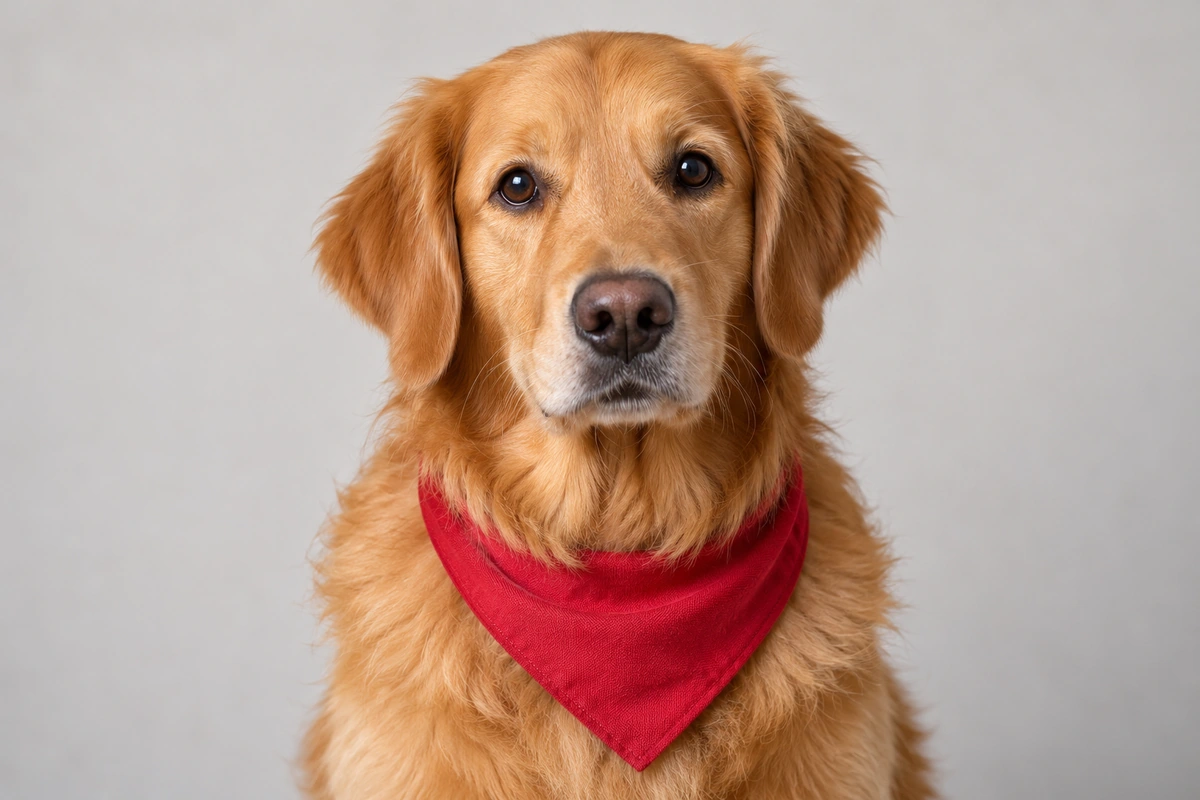
What to look for in a photo-to-sketch result
Use the original photo to judge the drawing.
Recognizable features
Check the subject's main shapes and distinctive details. For a portrait, pay particular attention to the eyes, face shape and hair.
Useful pencil shading
Light and dark pencil marks should help describe the form. A shaded sketch has more tonal modeling than a simple outline drawing.
A readable background
Decide whether the background helps identify the scene or distracts from the subject. Use an optional instruction if you want it simplified.
The change you requested
If you asked for an adjustment, inspect that part of the result as well as the overall sketch. A change to the background should not become a new subject.
How to convert a photo to a sketch
Your photo is the starting point; an extra description is optional.
Create a sketch from your photo
- 01
Upload the photo
Choose a clear picture of the subject you want drawn. Review the uploaded image before continuing.
- 02
Choose pencil sketch
Select the sketch treatment. Leave the extra description empty, or name a change such as simplify the background.
- 03
Generate and compare
Inspect the result for recognizable features, useful shading and the changes you requested. Refine one issue for another attempt if needed.
Pencil shading and outline drawing serve different looks
A pencil-style sketch combines lines with lighter and darker tones. It can give a portrait, pet, object or place a drawn appearance with a sense of volume.
A clean outline drawing emphasizes boundaries and uses fewer shaded areas. This page turns a picture into a drawing with pencil shading, which is different from an unshaded outline or coloring page.
The illustrated pair below uses one source photo. Compare the retriever's features and bandana with the graphite drawing; these examples do not preview your own upload.
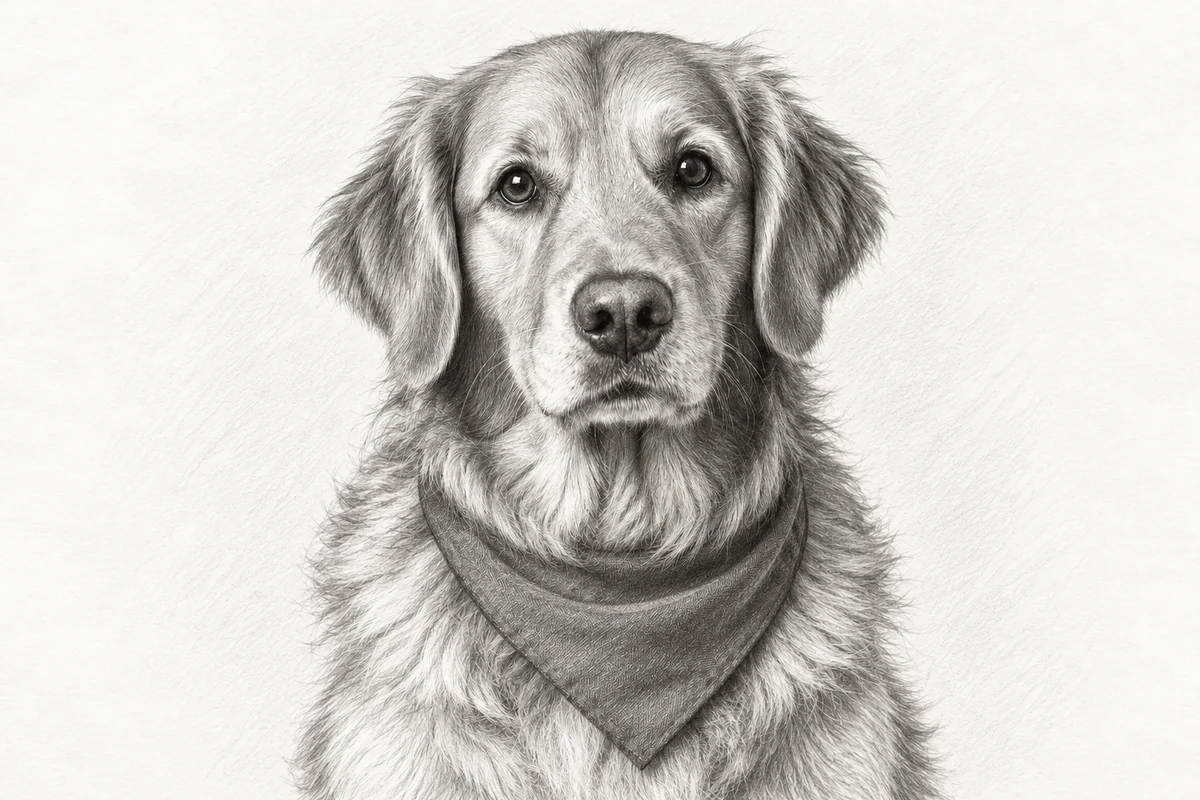
Photo to sketch questions
How do I turn a photo into a sketch?
Upload the photo, choose the pencil sketch treatment, and generate the drawing. Add a specific change if needed, then review the result against the original.
Do I need to write a prompt?
No. The uploaded photo provides the subject and scene. An extra description is optional; use it only when you want to request a change.
What is a pencil sketch?
A pencil sketch uses pencil-like lines and tonal shading to describe shapes. A digital pencil-style result redraws the photograph using that visual treatment.
What kind of photo should I choose?
Start with a sharp image where the main subject and important details are easy to see. Strong blur, deep shadows and heavy background clutter can make a subject harder to interpret.
Can I ask for a simpler background?
Yes. Write the change you want, such as simplify the background. If the subject should stay as it is, keep the instruction focused on the background.
Is a pencil sketch the same as a line drawing?
They use different treatments. A pencil sketch includes gray shading and drawn texture. A line drawing emphasizes contours and usually leaves more areas unshaded.
Will the drawing preserve every detail of my photo?
A sketch is a redraw, so small features, text and complex background details can change. Compare the result with your photo when a particular detail or likeness is important.