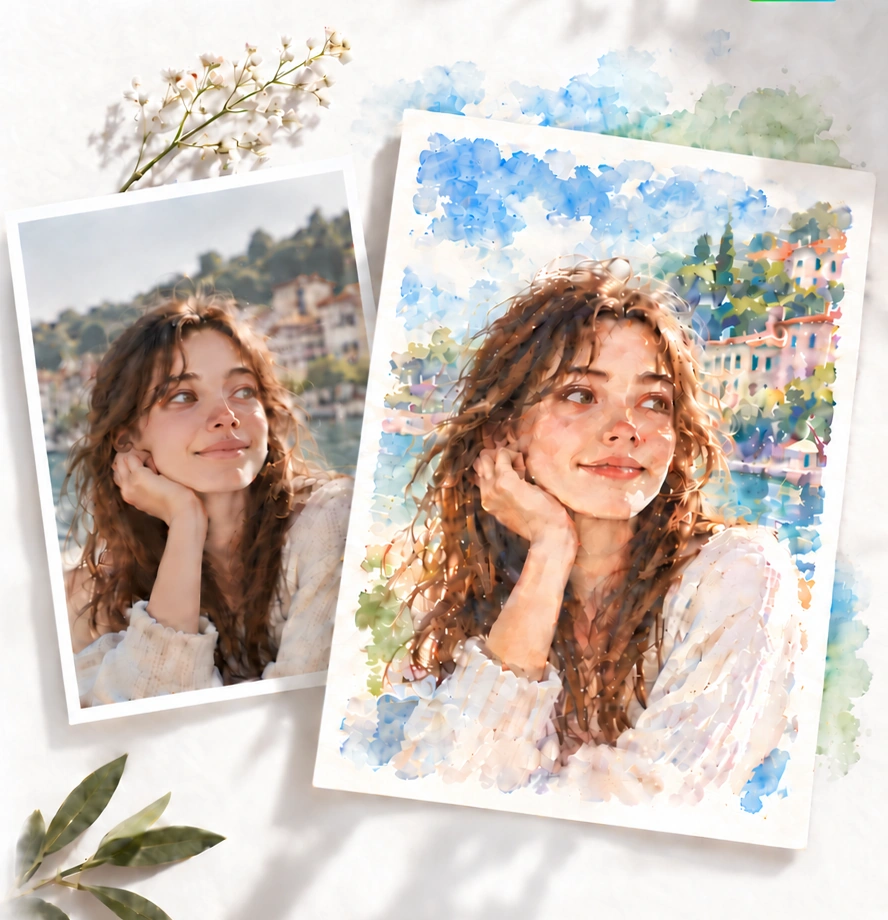
Your Images, Reimagined as Stunning AI Drawing by AIDrawing.io
AIDrawing.io leverages sophisticated AI Drawing algorithms to bring your visual concepts to life. It’s a streamlined tool focused on transforming your uploaded images into unique AI artwork — empowering everyone, from digital artists to hobbyists, to easily create personalized AI Drawing visuals from their photos and explore the power of AI-generated art.
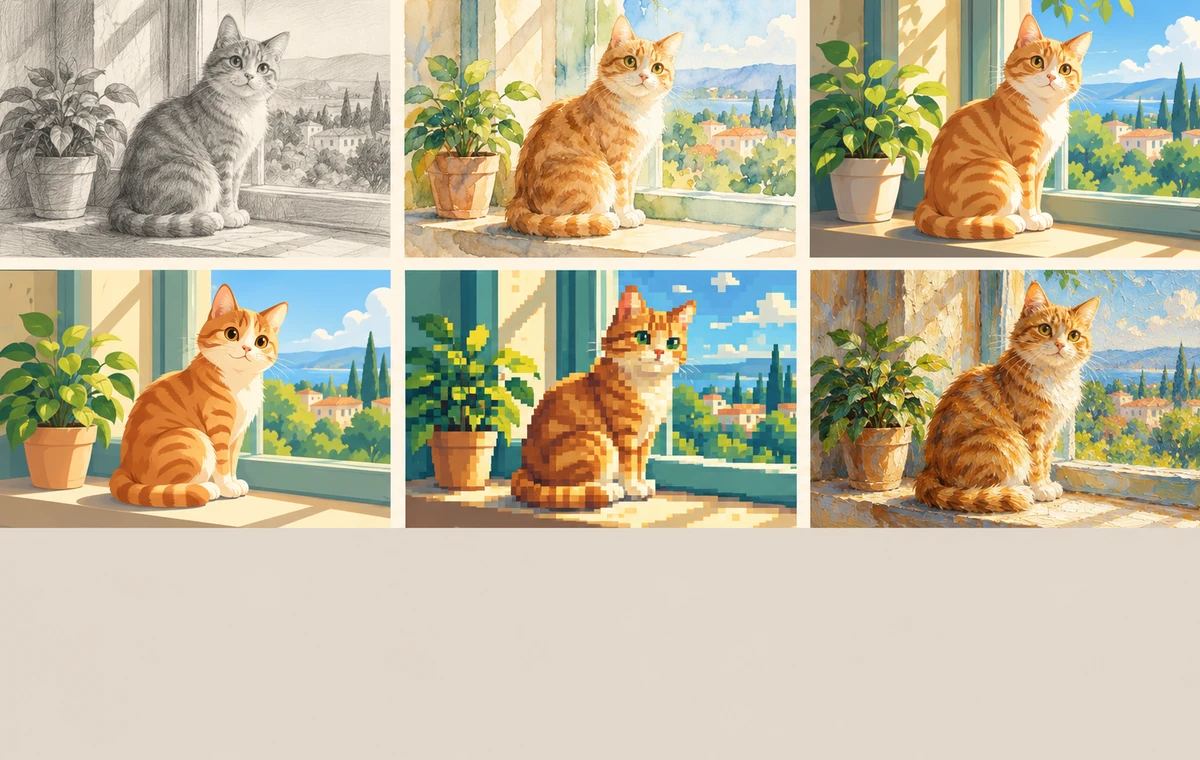
One-Click AI Drawing Style Application to Images
Apply breathtaking AI Drawing styles to your uploaded photos or sketches with just a single click using our intuitive AIDrawing.io platform for generating unique AI artwork.
Describe the subject and setting you want to see, then choose a drawing style.
High-Quality AI Drawing Outputs from Your Visuals
Receive crisp, detailed, and vibrant AI Drawing images from your original photos or graphics, with premium options for even higher resolution for your AI-generated art from AIDrawing.io.
Use your uploaded image as the starting point for the subject, composition and scene.
User-Friendly AI Drawing for Everyone's Images
Whether you're a seasoned digital artist or new to AI Drawing, AIDrawing.io is designed for a seamless and enjoyable AI art creation experience when transforming your images, perfect for any AI Drawing project.
For a photo, leave the description empty to focus on the style, or name a detail you want changed.
Rapid Image to AI Drawing Creation
See your images materialize into AI Drawing in seconds. AIDrawing.io is built for speed, making AI art generation from your pictures efficient for all your projects.
Visually Striking AI Drawing Styles for Photos
Access a curated selection of AI Drawing styles that make your photo-based creations pop. AIDrawing.io delivers impressive aesthetics for your AI-generated art and digital paintings derived from images.
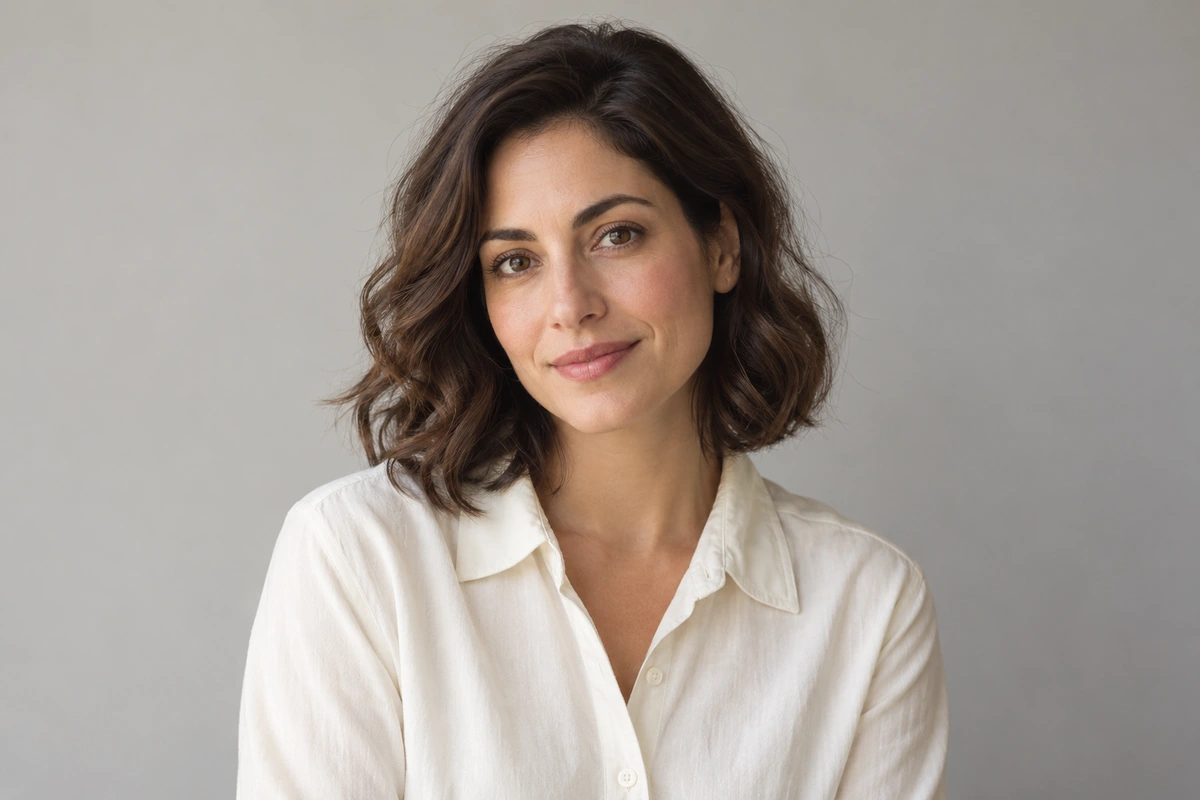
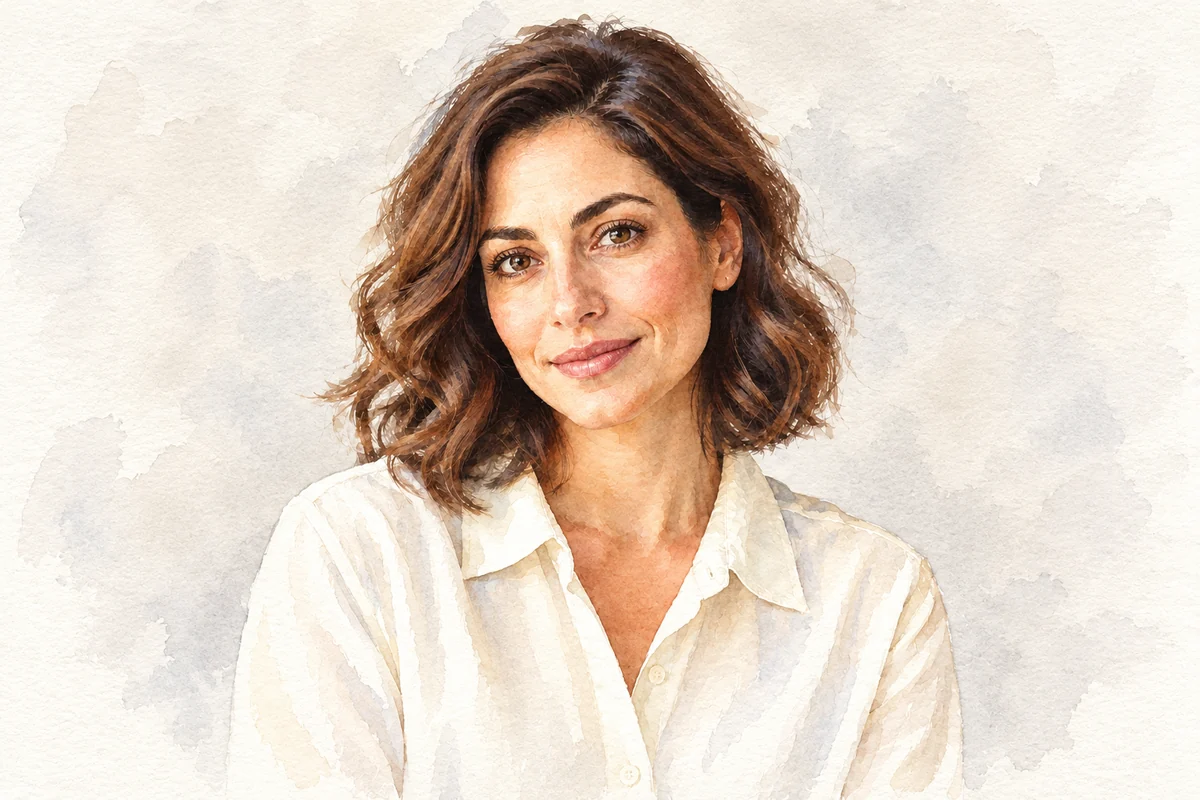
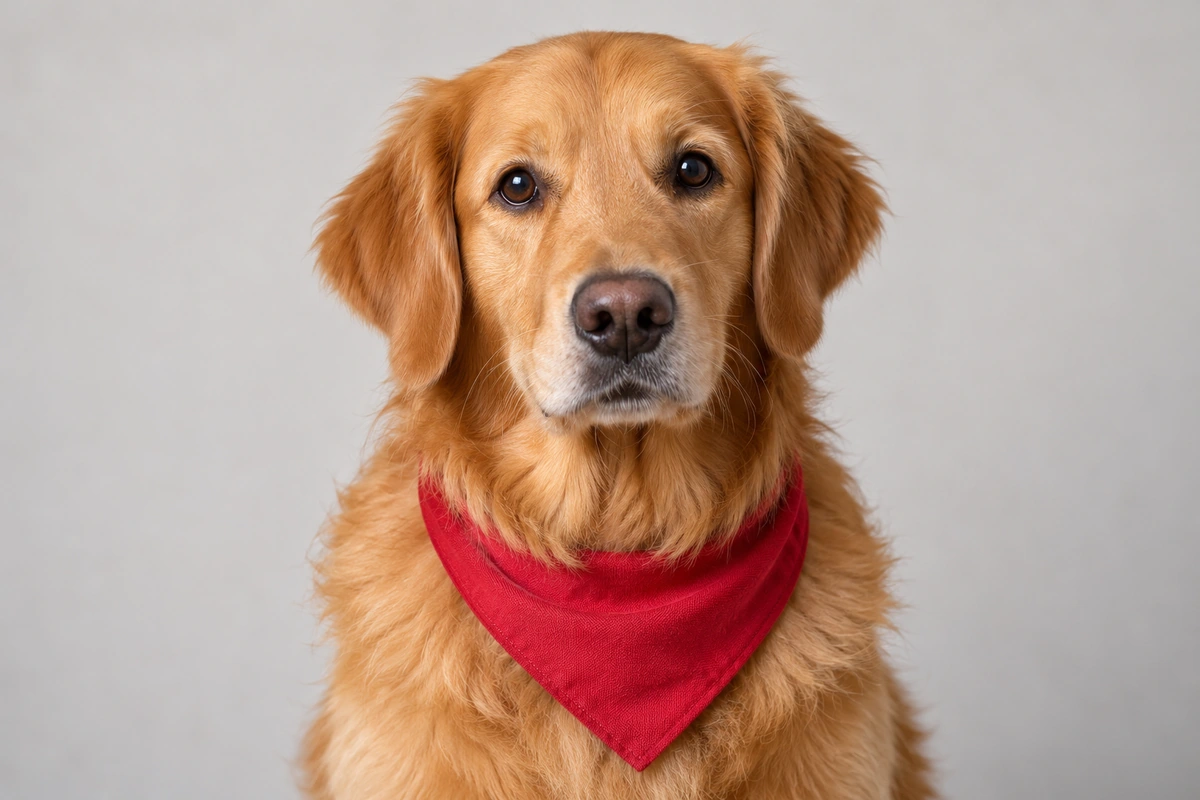
Let your photo supply the subject
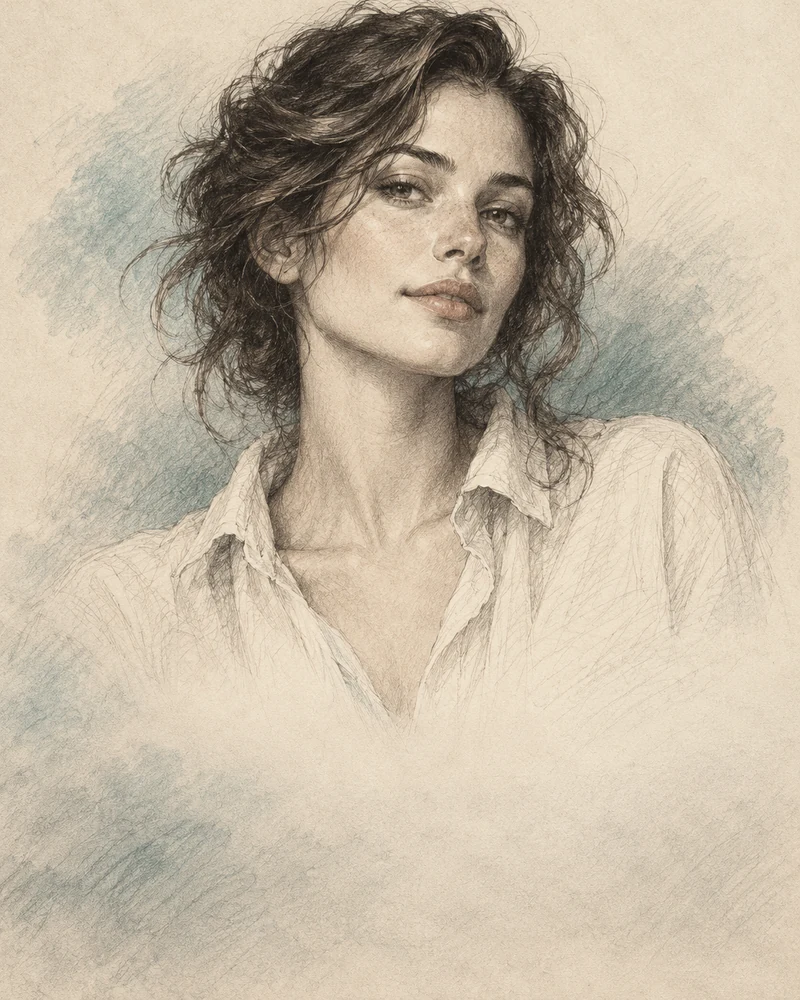
An ivory blouse, wavy hair and the original pose remain the starting point while the portrait is redrawn in watercolor.
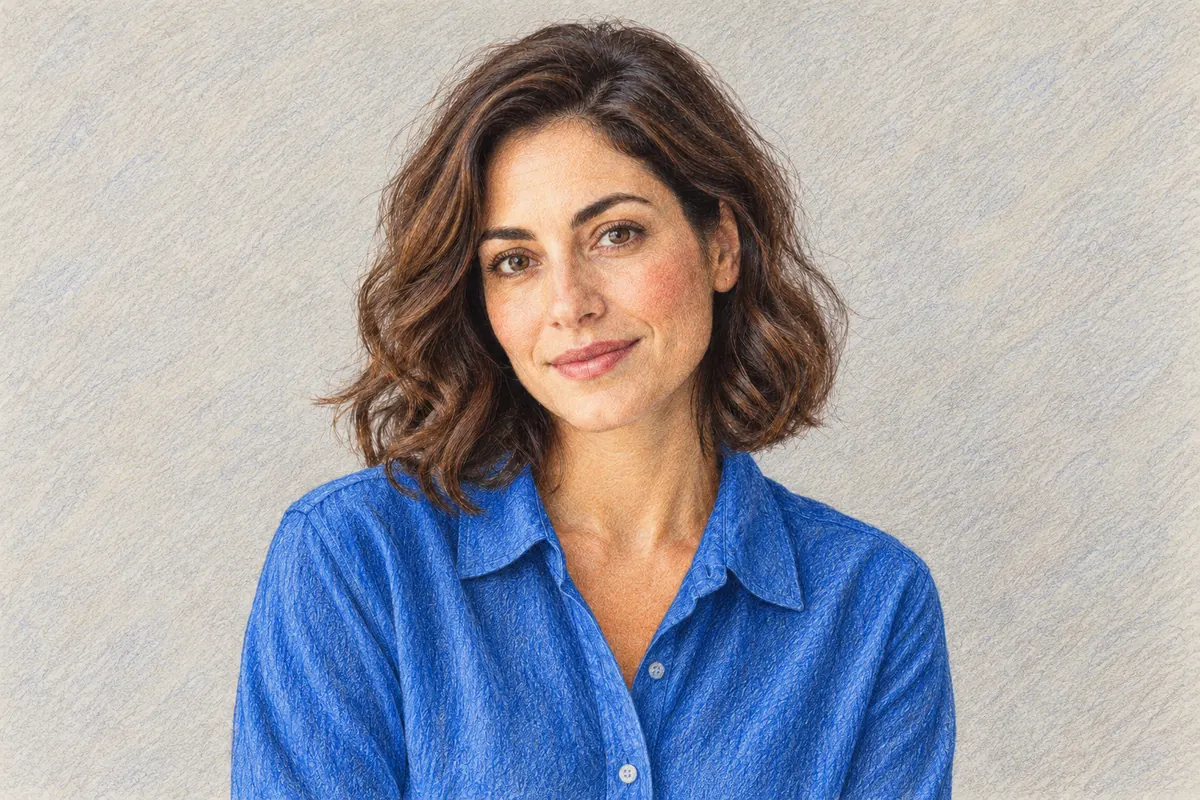
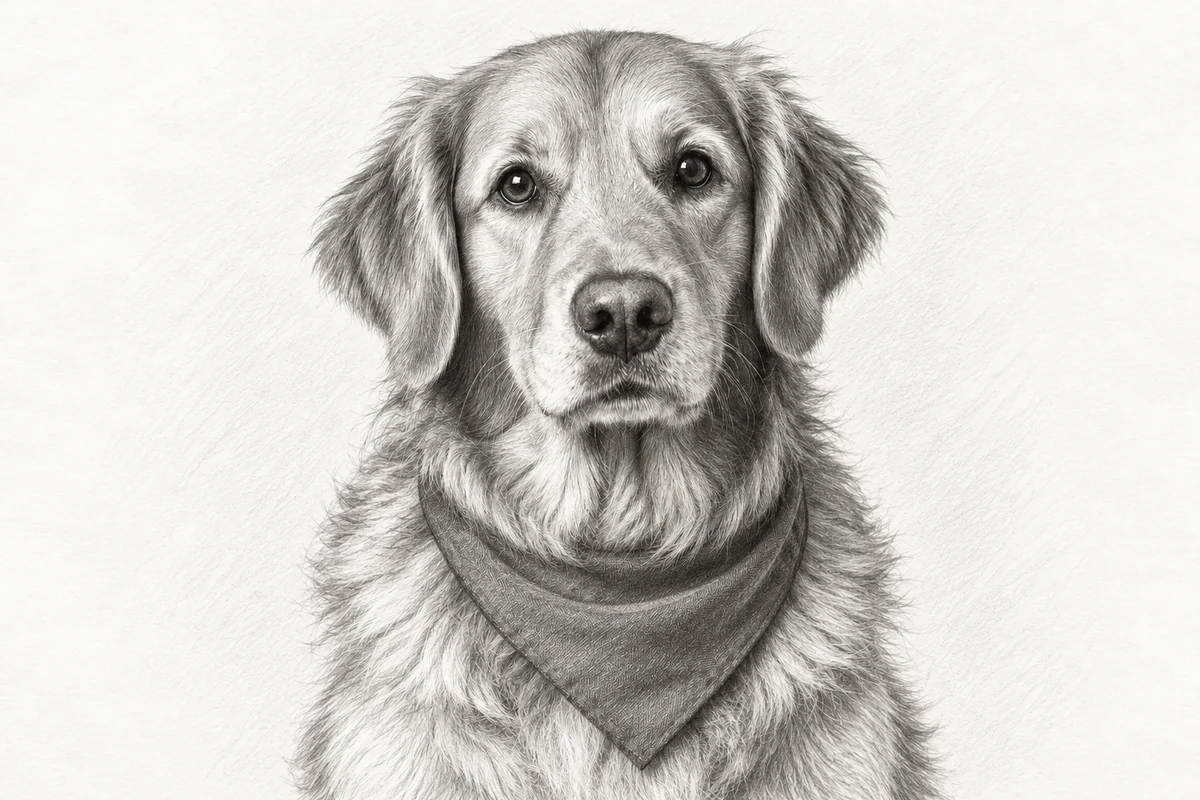
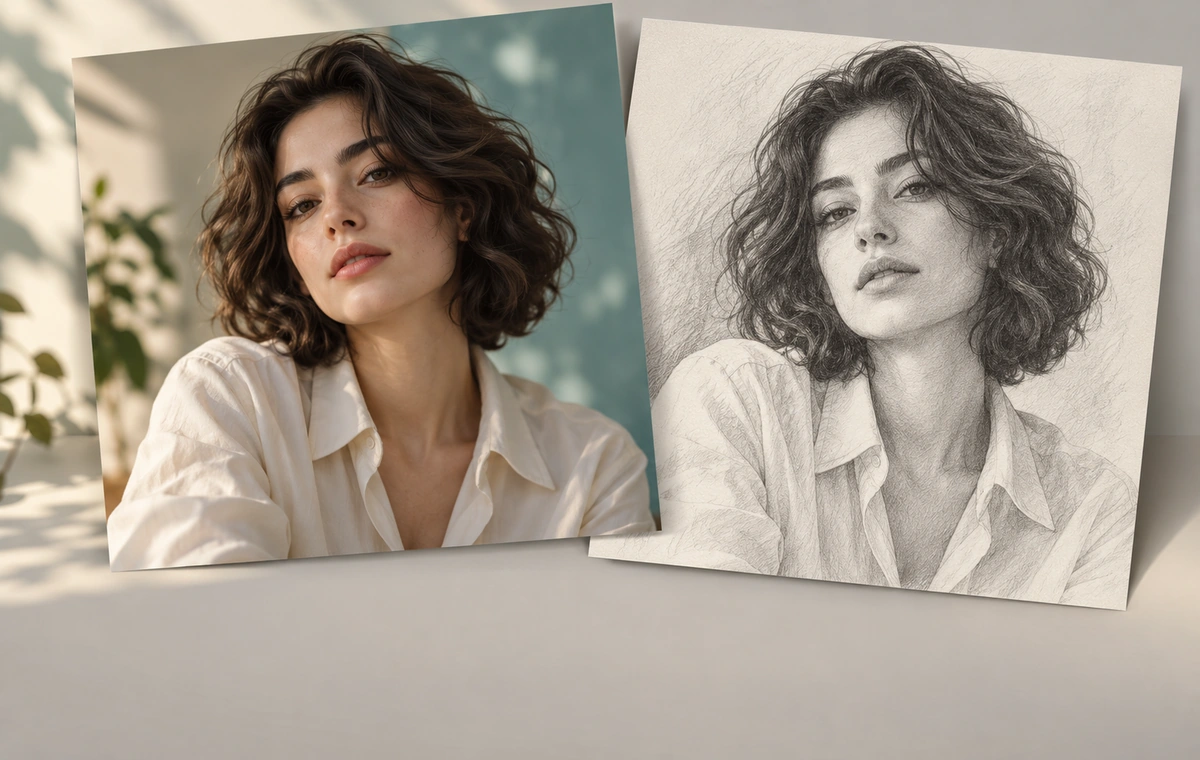
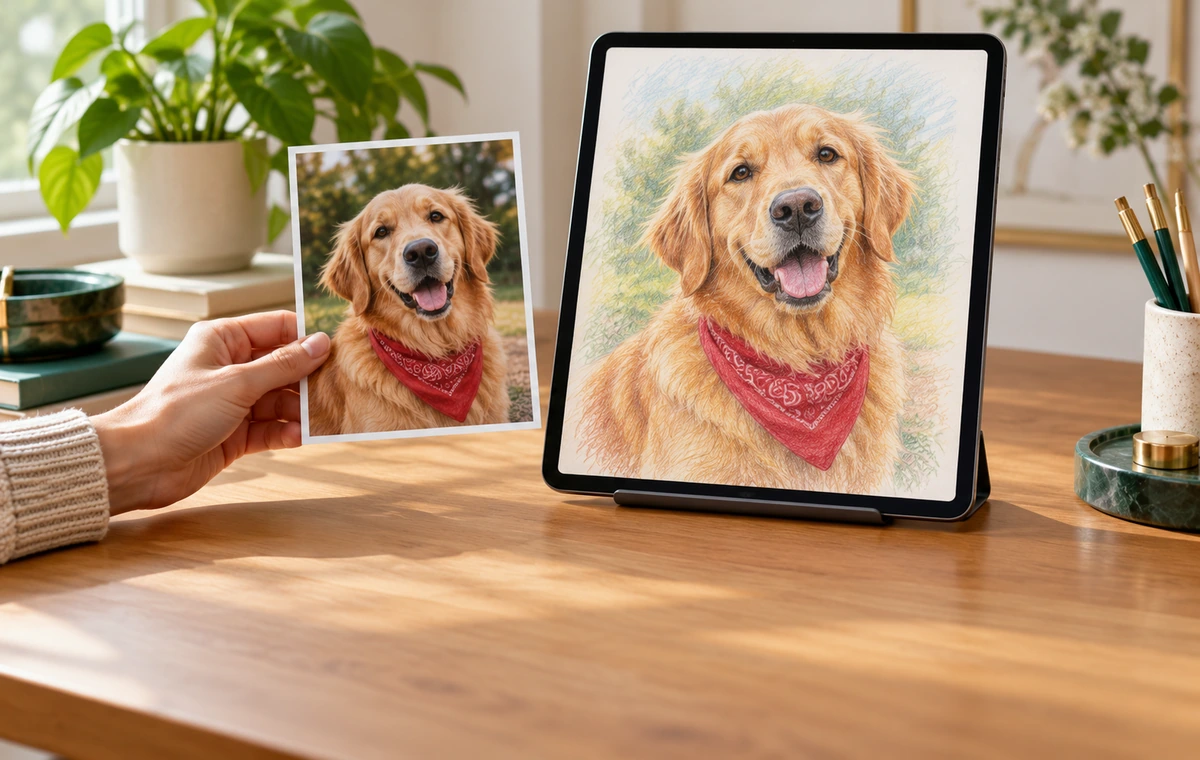
Start with your own portrait, pet or scene. Explore drawn contours and pencil shading while checking the subject in your result. The comparison is an illustration, not a guarantee of your output.
Static illustrations, separate from your generated results.
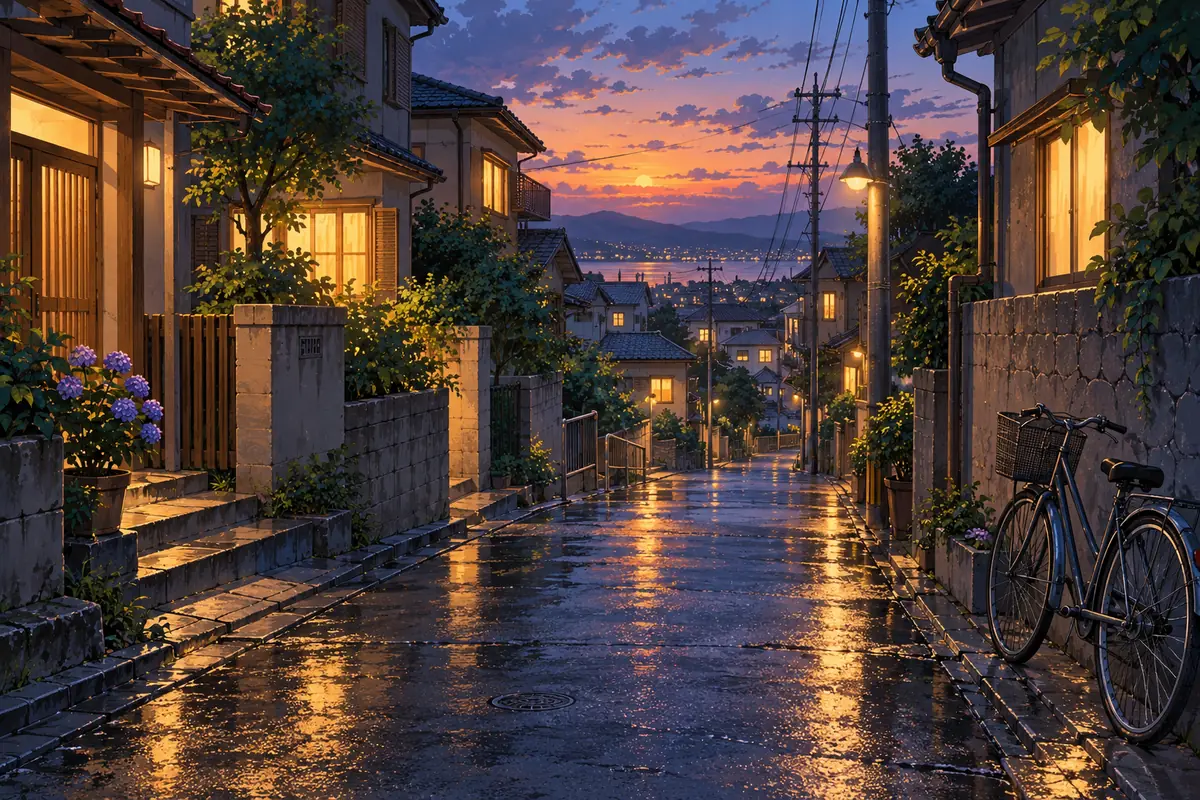
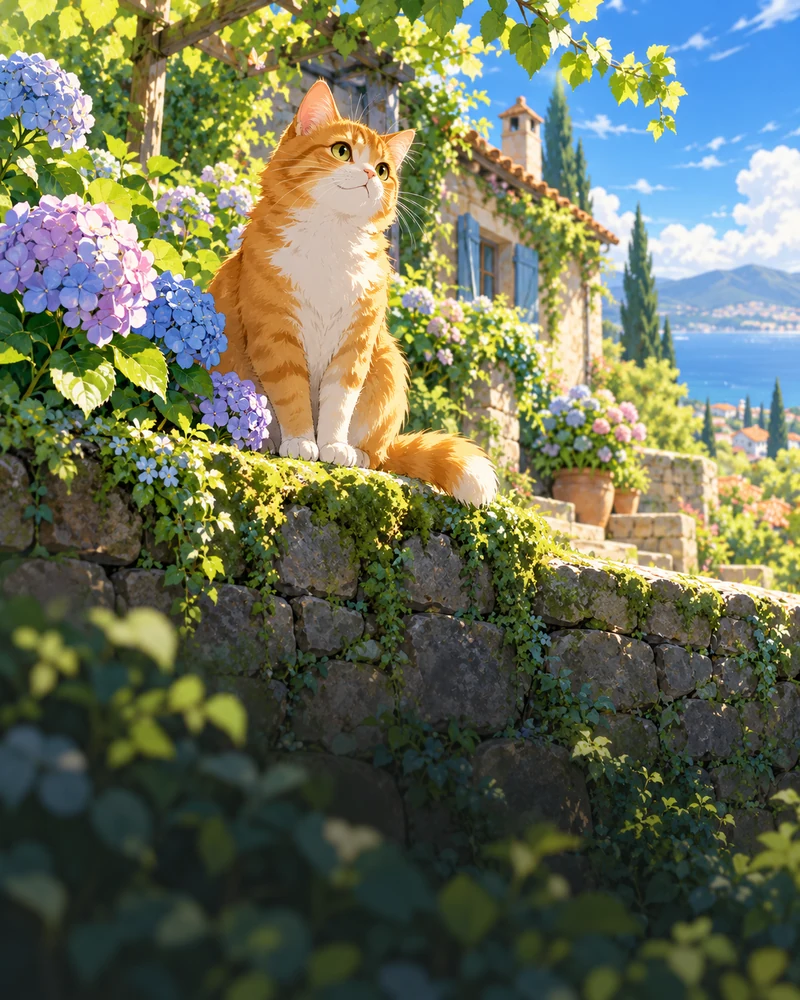
Anime
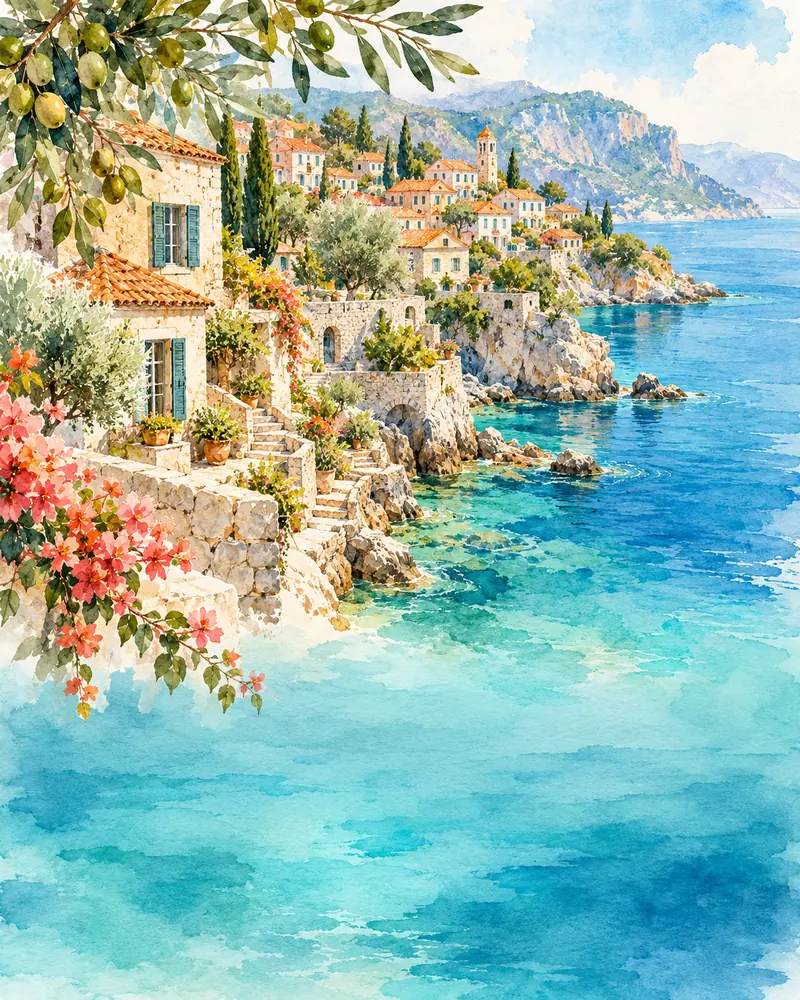
Watercolor
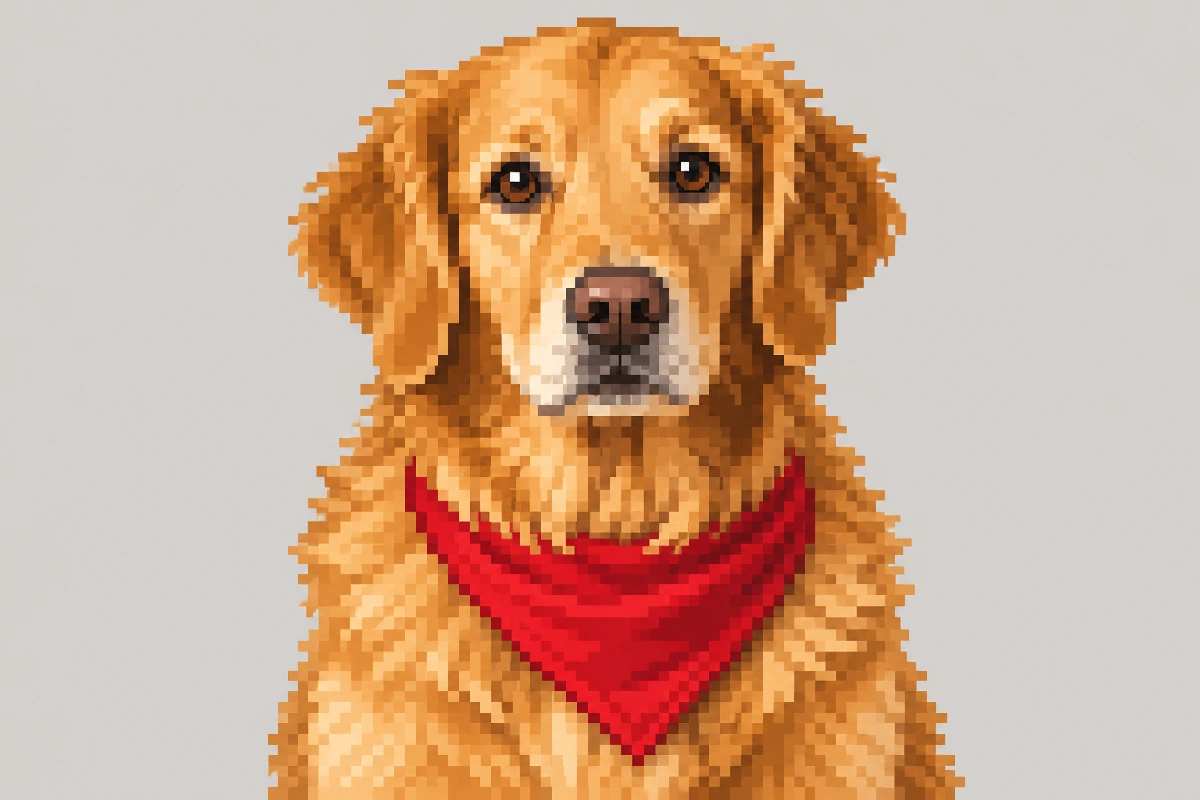
Pixel Art
From photo to pencil-style drawing
Designed for Your AI Drawing Needs from Images
AIDrawing.io makes transforming your photos and sketches into incredible AI Drawing art simple, fast, and beautiful. Experience the future of AI art generation and enhance your creative workflow with image-based AI Drawing.
From a written idea
01
Describe your drawing
Name the subject, setting and any details that matter to your idea.
02
Choose a style
Select the drawing treatment you want and review your choices.
03
Generate and inspect
Look at the result, then refine the description for another direction if needed.
From a photo
01
Upload your image
Choose the photo you want to turn into artwork.
02
Choose the drawing treatment
Select a style. Add a change to the photo, or leave the extra description empty.
03
Review the result
Inspect the subject, background and details before deciding what to change next.
From photo to pencil-style drawing
01
Upload a photo
Choose an image with a clear subject and readable details.
02
Choose the sketch treatment
Use pencil-like contours and shading; add an optional change if needed.
03
Generate and inspect
Review the likeness, shading and background before keeping your result.
Image models for drawing and photo-to-sketch workflows
Create Artwork and Photo to Sketch use the same image workspace. Choose an available model and review its settings before generating.
GPT Image 2.5 Sunburst
Start from text or an uploaded image.
Review the subject, drawing style and details.
Choose the options available for your selected model.
Seedream 5.0 Pro
Start from text or an uploaded image.
Review the subject, drawing style and details.
Choose the options available for your selected model.
Gemini Image · Nano Banana 2.1
Start from text or an uploaded image.
Review the subject, drawing style and details.
Choose the options available for your selected model.
The Ultimate AI Drawing Experience with AIDrawing.io
AIDrawing.io is your dedicated AI Drawing platform, meticulously designed to make transforming your images into high-quality, professional-grade AI artwork effortless and inspiring. Explore a universe of AI Drawing possibilities and elevate your digital art.
Style
Instant Image to AI Drawing Generation
Upload your image and watch our powerful AI Drawing engine transform it into captivating digital art. Fast, efficient, and a game-changer for AI art creation and exploring AI Drawing techniques with your visuals.
Style
Diverse AI Drawing Style Library for Your Images
Select from an extensive range of pre-set AI Drawing styles to apply to your photos or sketches. Whether you seek classic oil painting aesthetics or futuristic digital art, find the perfect match for your AI Drawing vision with AIDrawing.io's versatile options.
Style
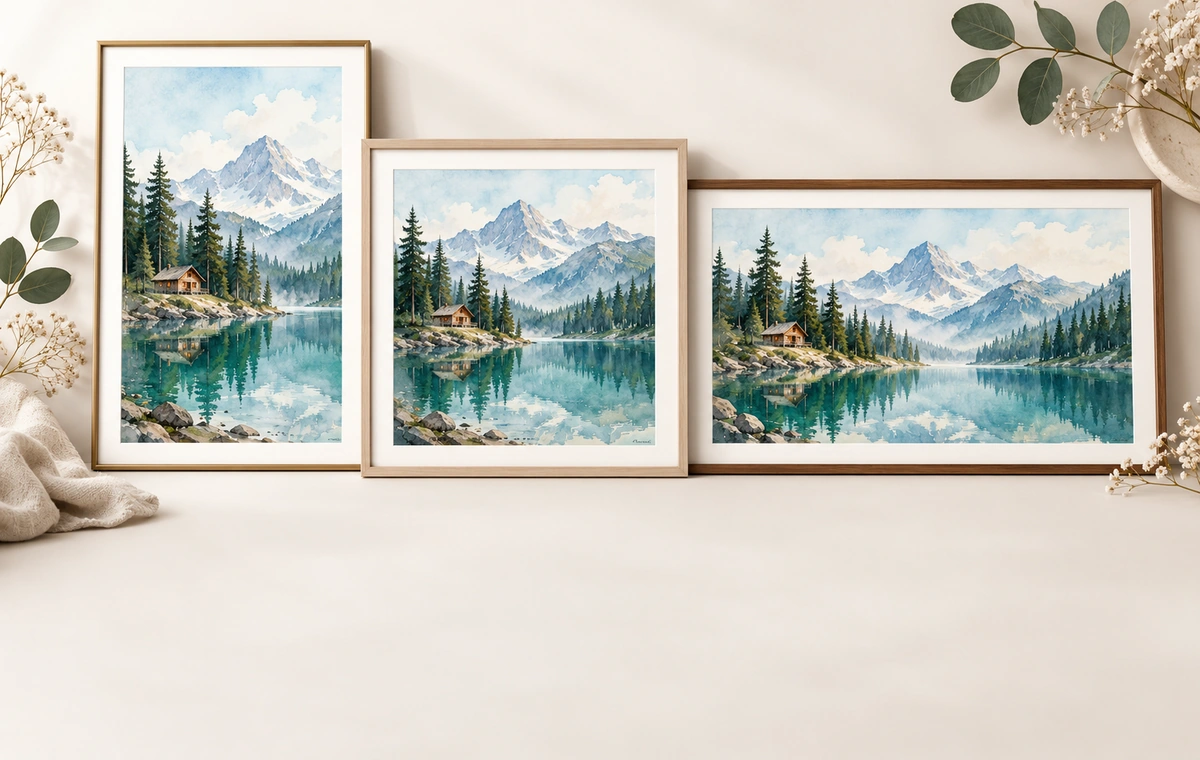
Customizable Output Options for Your AI Drawing
Tailor your AI Drawing output from your images with options like aspect ratio, resolution (including HD for professional use), and artistic controls. AIDrawing.io gives you the power to refine your AI-generated art and AI Drawing pieces.
Style
Simple & Intuitive AI Drawing Interface for Image Transformation
No complex learning curve. AIDrawing.io features a clean, straightforward interface, making it easy for anyone, from beginners to pros, to create stunning AI Drawing artworks by transforming their images and exploring AI-generated visuals.
Start your AI drawing with words or a photo
2
Drawing tool pages
3
Ways to begin: text, photo or sketch
1
Shared image workspace
Drawing paths and styles
Create Artwork
Open Photo to Sketch
Anime
Watercolor
Pixel Art
From photo to pencil-style drawing
Users Love AIDrawing.io for AI Drawing Transformations
Discover how digital artists, content creators, and enthusiasts are using AIDrawing.io to revolutionize their creative process by transforming images with AI Drawing and AI-generated art.
“AIDrawing.io has transformed my workflow! The AI Drawing capabilities allow me to explore new styles by applying them to my images and generate concept art incredibly fast. The quality of the AI Drawing outputs is exceptional for my design projects.”
“As a content creator, unique visuals are key. AIDrawing.io helps me produce stunning AI Drawing pieces from my photos for social media effortlessly. My audience loves the fresh, AI-generated art from this platform!”
“I'm not a professional artist, but AIDrawing.io makes me feel like one! Turning my photos into personalized AI Drawing artwork is so much fun. The platform is intuitive and the AI-generated results are always amazing.”
AI Drawing with AIDrawing.io: Your Questions Answered
How do I use AIDrawing.io for AI Drawing?
It's incredibly simple! Just upload your image, choose your desired artistic style for your AI Drawing, and let our advanced AI engine craft your masterpiece from it. Your AI-generated art will be ready in moments.
What kind of images work best for AI Drawing on AIDrawing.io?
Our AI Drawing tool works wonderfully with various images, including photos, sketches, and digital graphics. Clear, well-defined images generally yield the most impressive AI Drawing results. Explore the possibilities of AI art generation by transforming different types of visual inputs!
Does AIDrawing.io offer different AI Drawing styles?
Absolutely! AIDrawing.io provides a vast library of AI Drawing styles to apply to your images, from photorealistic and fantasy to abstract and impressionistic. Discover the perfect aesthetic for your AI-generated art, with new styles regularly added to enhance your AI Drawing experience.
Should I use Create Artwork or Photo to Sketch?
Use Create Artwork to begin with a written idea or restyle a photo. Choose Photo to Sketch when you want a pencil-style drawing from an existing image.
Where can I get help with AI Drawing?
Need guidance using our AI Drawing platform? Reach out to our support team is here to help with your AI Drawing queries.
Transform Your Photos into AI Drawing Masterpieces Now!
Instantly reimagine your images with AIDrawing.io. Our powerful AI Drawing platform makes creating breathtaking digital art from your photos fast, easy, and inspiring for everyone.